
Instant navigation
A canvas-rendered grid, dirty-region repaints and a cached feed. Remote presses land in roughly 50–80 ms on a Fire TV Stick.
Free · self-hosted · no account
Akira is a fast catalog and player for your living room and your pocket. It runs entirely on your device — a small local server inside the app serves the interface, and nothing is uploaded anywhere.
Fire TV & Android TV · Windows · iPhone & iPad
Live preview
Scroll a little and Akira loads below — the same build that ships in the downloads. Browse the catalog, open a title, and move around with your keyboard.
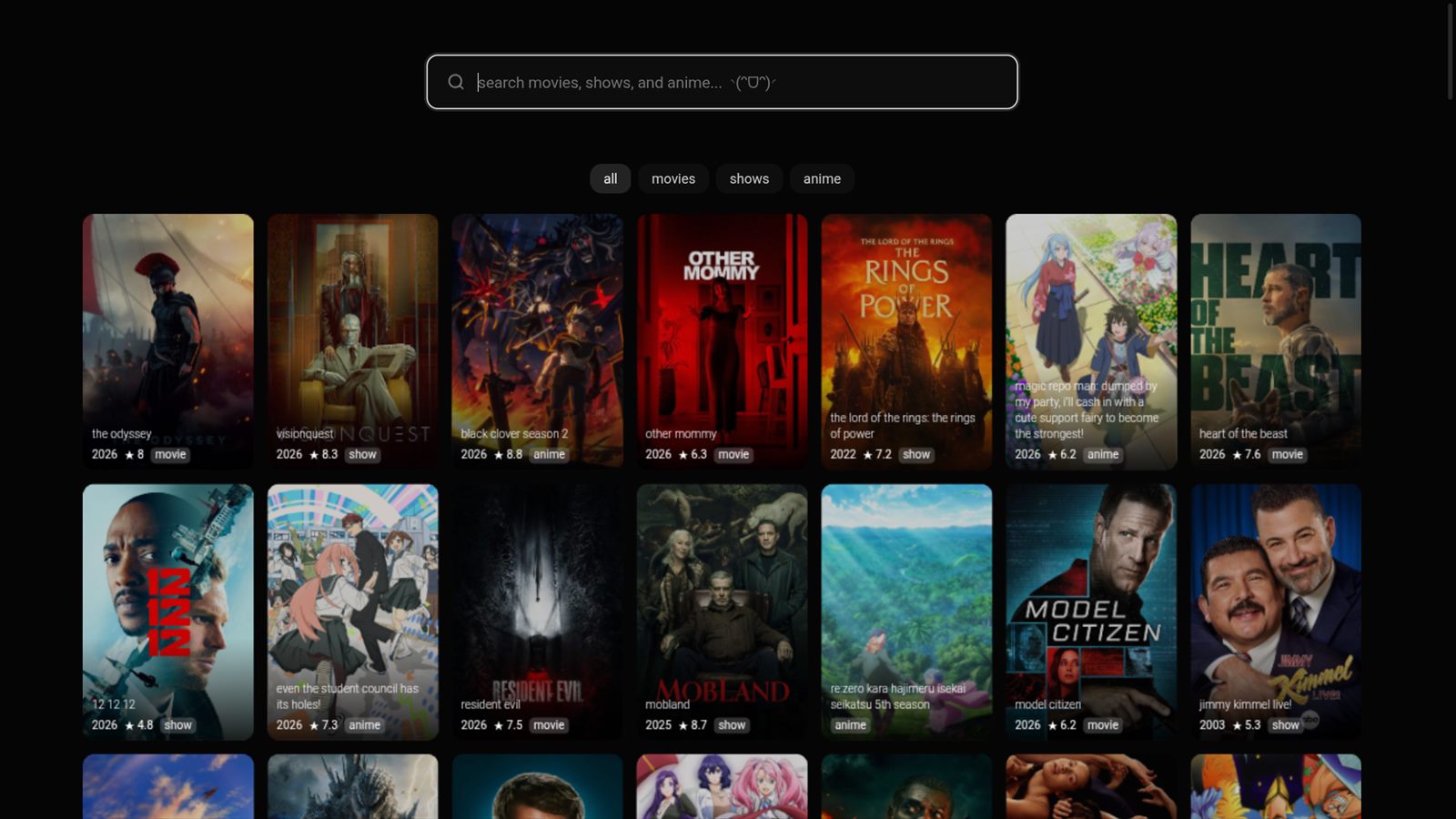
The preview talks to an Akira API. If nothing loads, the server behind this page is not configured yet — the downloads below work regardless.
Features
The catalog is drawn on a single canvas, so it stays smooth on hardware that other apps give up on.
A canvas-rendered grid, dirty-region repaints and a cached feed. Remote presses land in roughly 50–80 ms on a Fire TV Stick.
Full D-pad navigation, correct Back handling, media keys, and a 1280 px television layout that scales cleanly to 1080p and 4K.
Streams are handed to your device's own decoder, so 4K HEVC and AVC play where the hardware supports it — no software transcode.
Sub and dub tracks, an episode picker, next-episode flow and resume, alongside movies and TV.
No accounts, no analytics, no cloud. The app runs a loopback-only gateway on your own device and keeps its cache there.
The same interface on Fire TV, Android TV, Windows and iPhone or iPad — ported from a single shared codebase.
Download
Builds are hosted right here. Every file includes a checksum so you can verify what you installed.
Android 5.0+ · arm64 and arm32 · remote ready
Download APK—
Windows 10 / 11 x64 · portable · no installer
Download for Windows—
iOS 15+ · sideload with Sideloadly or AltStore
Download IPA Install over the airSigned build only — open this page in Safari on the iPhone or iPad.
—
Install
akirastreaming.lol in Downloader and grab the APK, or push it from
a computer:
adb connect <tv-ip>:5555
adb install -r Akira-TV.apkGet-FileHash Akira-Windows.exe -Algorithm SHA256FAQ
On Fire TV, Android TV, Windows and iPhone the app runs its own gateway on the device, in a loopback port nothing else can reach. To play anything it still needs an Akira API to resolve streams — either one you host yourself, or one you point the app at.
Yes. Akira is self-hosted software with no accounts, no subscriptions and no telemetry. The source is public and you can build every target yourself.
Nowhere. Playback history, settings and the stream cache stay on the device. The app writes its cache to its own private directory and never phones home.
The Windows build is unsigned, so SmartScreen flags any file it has not seen before. That is expected; the checksum above lets you confirm the file is the one published here.
Apple only installs apps signed by a developer identity, so the IPA is distributed unsigned and Sideloadly or AltStore re-signs it with your Apple ID or certificate. A free Apple ID signature lasts 7 days; a paid one lasts a year.
HLS and progressive streams through the Akira gateway, with subtitles and multiple audio tracks. Playback uses the platform's native decoder wherever possible.